
Friends, who does not like watching reels on Instagram and while watching reels on Instagram, we also get such reels which we want to download in our phone. But no such option is given to download reels on Instagram, by clicking on which you can easily download these reels in your phone's gallery.
But today we are going to tell you about a website from where you can easily download your favorite reel in your phone's gallery by one click.
To download Instagram reels in your phone's gallery, you just have to follow these simple steps given by us.
- First of all, you have to open your Instagram app and go to the reels option and find the reel that you want to download. Now click on the share button.

- Clicking on the share button, you will get a list of all your friends who follow you, below the list you will see some options. One of these options is the option of copy link, you have to copy the link of this reel by clicking on it.

- Now you have to open the browser on your phone and search FastDL. After searching, the second link that will come in front of you, you have to open it.

- You can go directly to this page by clicking on the link given below. https://fastdl.app/
- In this website you will get an input box where you have to paste the link of the reel which you want to download. After pasting the link, you have to click on the download button.
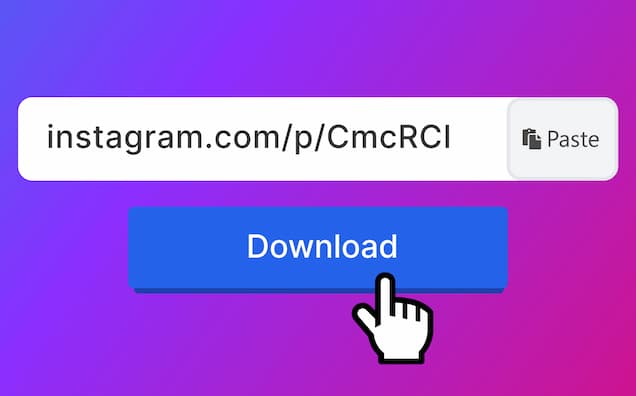
- Now you will have a preview of the reel whose link you pasted in the input box and below you will see the download option, now you have to click on the download button and your reel will start downloading.
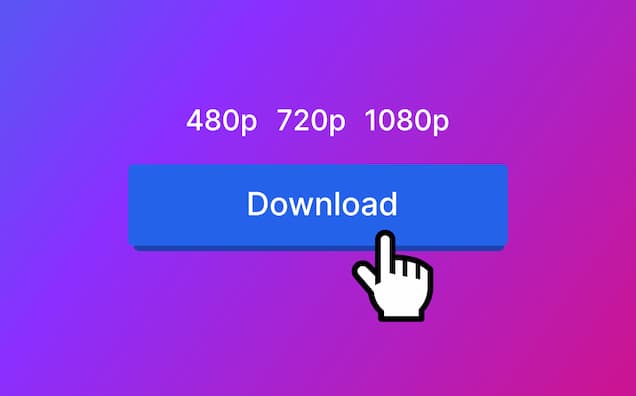


After the download is complete, your reel will appear in the phone's gallery.
If you also have any problem in downloading, then you can comment in this article. we will do our best to help you.